
Nebula January 2026 Release: Smarter, Faster, More Intuitive
As we kick off 2026, Nebula is continuing its mission to make eDiscovery workflows faster, clearer, and more efficient. Our January release brings enhancements designed to save time, reduce friction, and give users more control.
Navigate Documents Faster with Alt+P
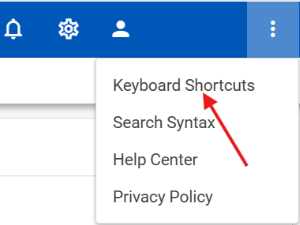
Reviewers can now move to the previous document with the new Alt+P keyboard shortcut, complementing the existing Alt+N for next document navigation.
Benefits for Users:
Speeds up high-volume reviews by reducing reliance on the mouse.
Creates a more intuitive, symmetrical workflow.
Works seamlessly in both document list and viewer modes.
Even small improvements like this can save valuable seconds across large reviews, making everyday tasks smoother and faster.
Granular Tag Permissions for Better Control
Nebula now offers more precise control over tagging visibility, supporting role-based access and secure collaboration.
Key Updates:
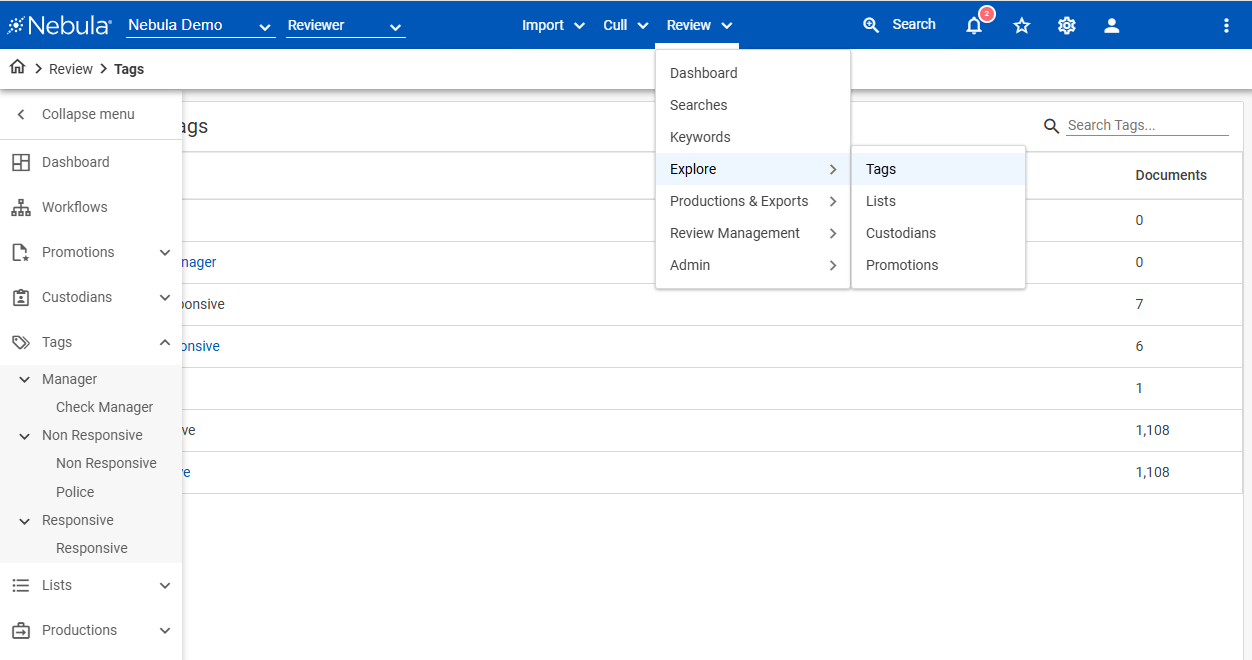
Explore by Tags Permission: Users with access can view tags and the Explore by Tags page; others see nothing.
Fields Management View Permission: Users can see both fields and tags only if granted permission.
Benefits for Users:
Admins can manage who sees what, improving security and workflow clarity.
Ensures users see relevant information without exposing unnecessary data.
Clearer, More Organized Natives Export Selector
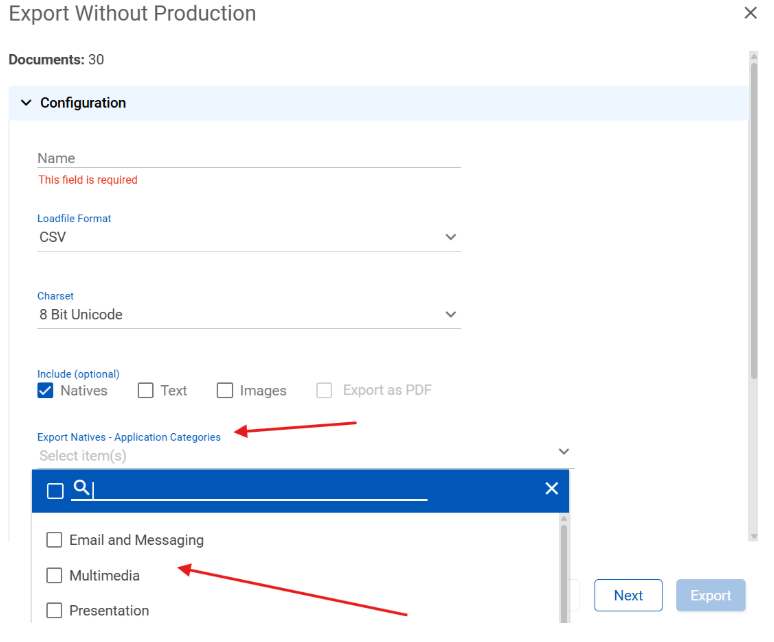
Exporting documents is now faster and more intuitive thanks to updates to the Natives Export Selector.
Key Updates:
Renamed “Application Categories” to “Export Natives – Application Categories” for clarity.
Categories now sort alphabetically, making it easier to find the right application type.
Benefits for Users:
Reduces cognitive load during production setup.
Helps ensure exports are configured correctly the first time.
UI/UX Enhancements for Smoother Interactions
Small interface refinements can make a big difference in daily workflows.
Updates Include:
Improved Sidebar Drag Behavior: Resize the sidebar even while collapsed, with smoother, more predictable interactions.
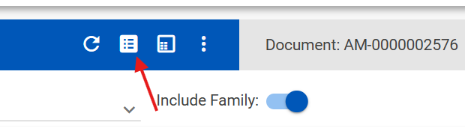
Updated Facet Icon: Modernized design improves clarity and visual consistency.
Benefits for Users:
More intuitive interface for everyday review tasks.
Enhanced workspace customization without frustration or extra clicks.
Looking Ahead
The January 2026 release sets the stage for a year of faster, more controlled, and more intuitive eDiscovery workflows. Every improvement reflects feedback from real-world users, helping teams work smarter and more efficiently.
See it in action: Schedule a demo to explore how these enhancements can benefit your team.